
HANDS OVER Launch Errors: 0x11C7 and il2.cpp Reports
Compare HANDS OVER launch reports for error 0x11C7 and il2.cpp, understand Smart App Control, and prepare useful logs without disabling Windows protections.
Quick answer
Players report 0x11C7 and failed il2.cpp loading, but the checked threads establish no single cause or developer-confirmed fix.
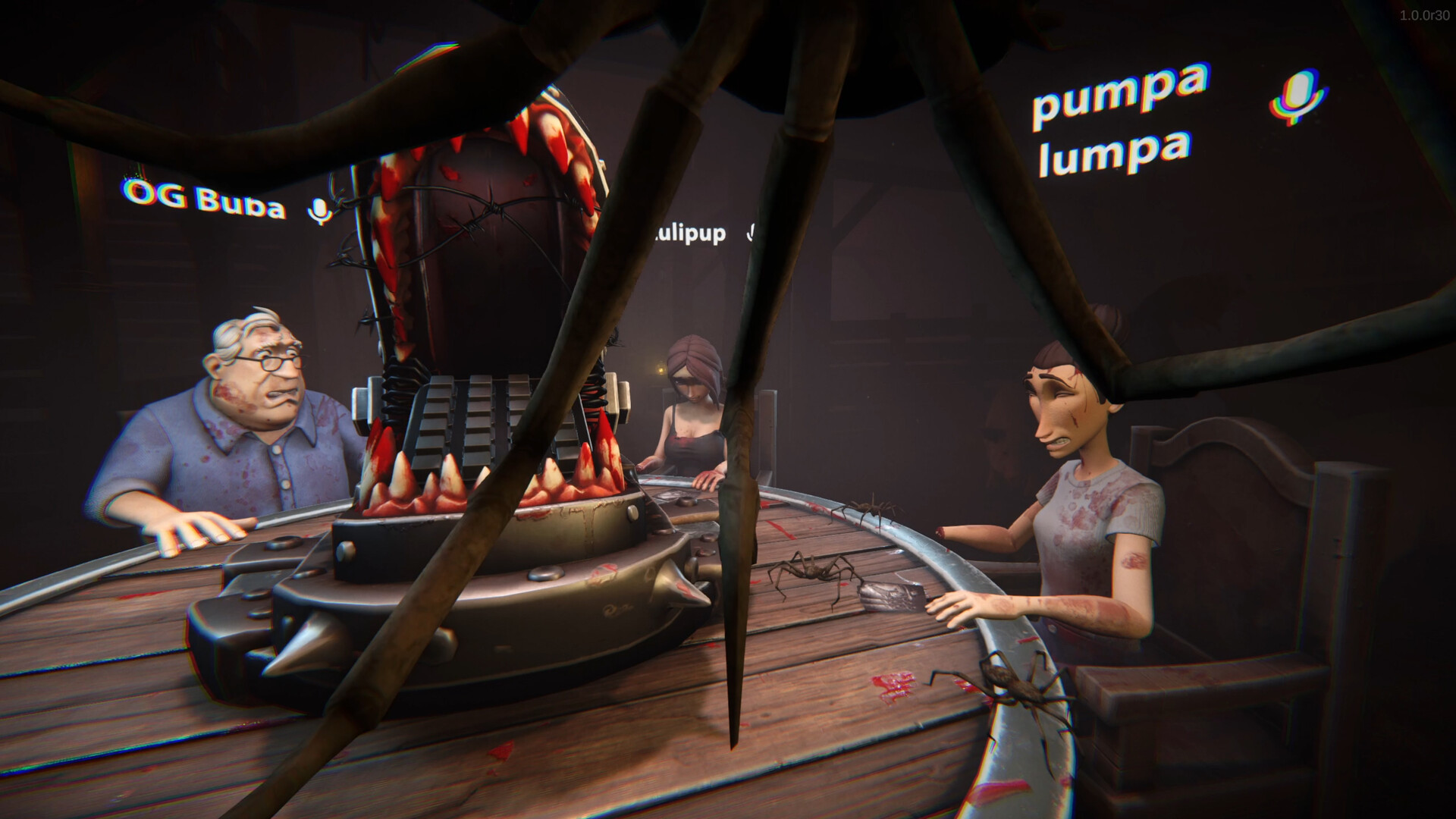
Match the error before trying a fix
HANDS OVER players have reported different launch failures. The checked threads do not establish one common cause or a developer-confirmed solution. Record your exact message before treating another player’s workaround as relevant.
| Reported symptom | What the source actually says |
|---|---|
Error 0x11C7 | One Windows 11 player says Smart App Control blocked Hands Over.exe because the publisher could not be verified. |
Failed il2.cpp loading | Several players describe a loading failure; the discussion does not establish a shared diagnosis. |
The first reporter also says Steam’s file check passed and Defender found no threats. Those are that player’s observations, not independent test results for your installation. 0x11C7 report · Loading-failure thread
If Windows mentions Smart App Control
Microsoft explains that Smart App Control checks an app’s reputation and, when it cannot confidently assess safety, its signature. It may block an unsigned or invalidly signed app. Microsoft recommends contacting the developer about valid signing when a legitimate app is blocked. That explains the general mechanism; it does not independently verify the signature of every HANDS OVER build. Microsoft’s Smart App Control FAQ
Capture the exact Windows message and report it to ArtDock. Keep protections enabled while you seek a developer-supported resolution. A successful file check alone is not evidence that a publisher-verification complaint has been resolved.
If the message mentions il2.cpp
One poster later attributed their own recovery to a Visual Studio-related problem, without enough detail to reproduce or confirm it. The same thread contains a suggestion to switch off a Windows protection. Neither establishes a verified dependency repair or a safe, general solution. Player discussion
Do not substitute downloaded DLLs or replacement executables based on that thread. Report the full text, when it appears and whether the game reaches the main menu.
Send a useful report
Include your Windows version, hardware, whether you installed the demo or paid game, and a screenshot of the error. ArtDock has also requested player logs from:
C:\Users\username\AppData\LocalLow\ArtDock\Hands Over
Use your account name in place of username and follow the developer’s current support route in the log-request discussion. Review files before sharing them.
Checked November 14, 2026. These are diagnosis and reporting steps, not a claim that the launch issue is fixed.
Sources and verification
- Steam Community — developer and player discussion · Checked 2026-11-14
- Steam Community — developer and player discussion · Checked 2026-11-14
- Steam Community — developer and player discussion · Checked 2026-11-14
- HANDS OVER — support.microsoft.com · Checked 2026-11-14
Continue reading
All guides →
Home
Explore HANDS OVER guides for beginners, demo card effects, multiplayer lobby rules, XP cosmetics and source-backed help with launch errors and disconnects.
Read guide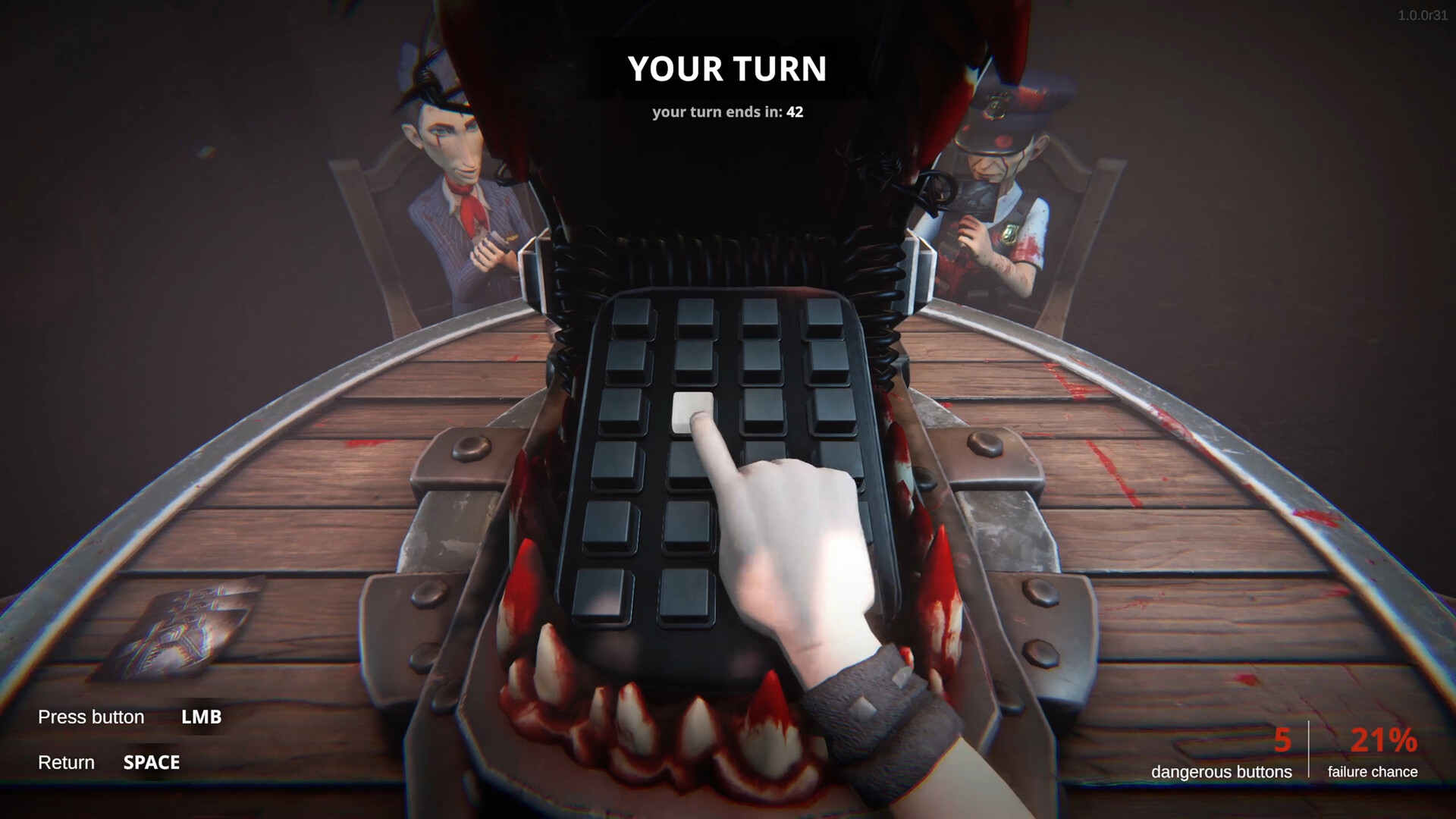
Getting started
Learn the goal of HANDS OVER, how influence cards change table challenges, and what to check before your first multiplayer match in Steam Early Access.
Read guide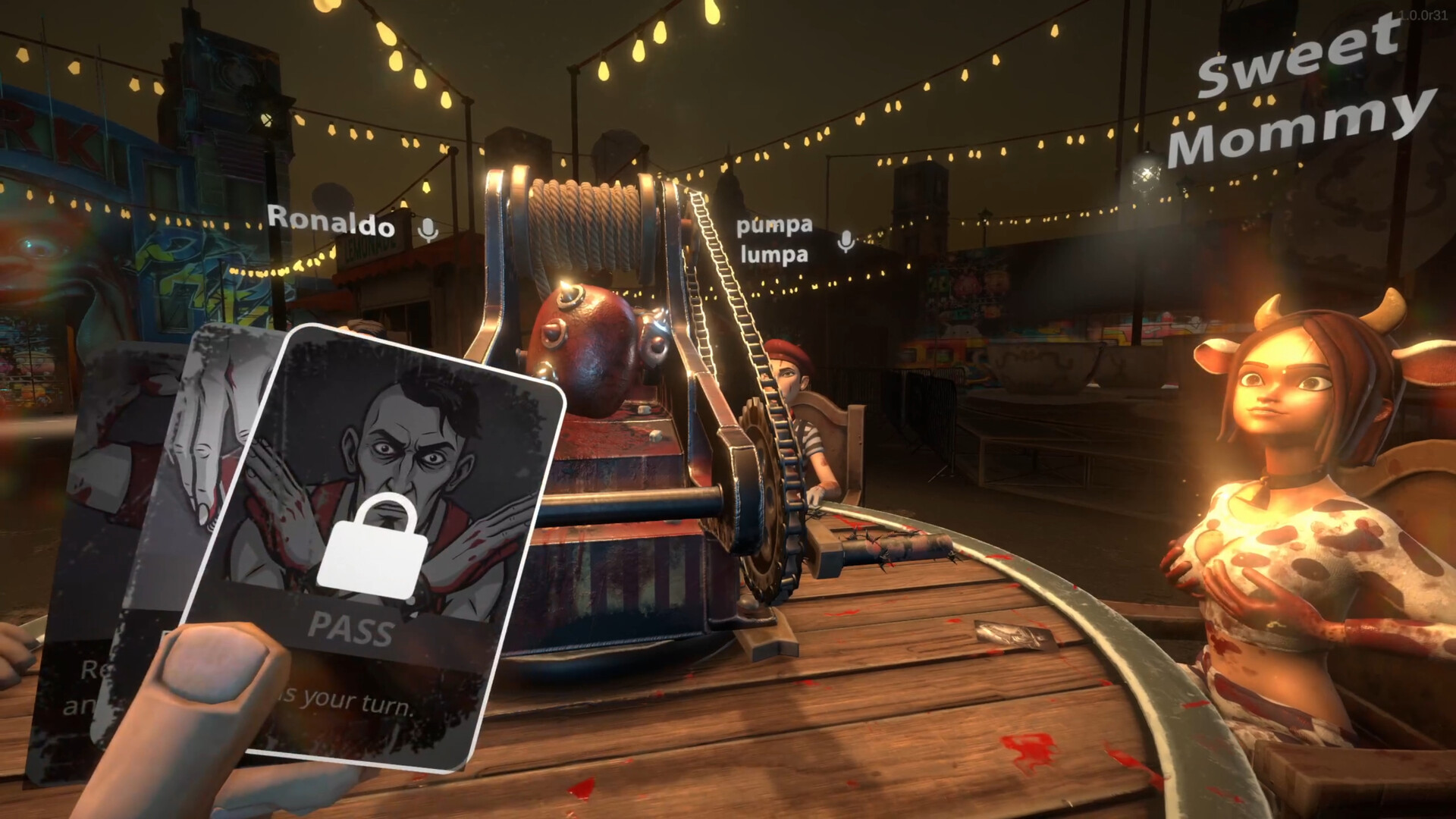
Cards
Compare HANDS OVER demo card effects, including Scan, Hint, Cleanse and Purify, with clear source labels and limits on what is confirmed for Early Access.
Read guide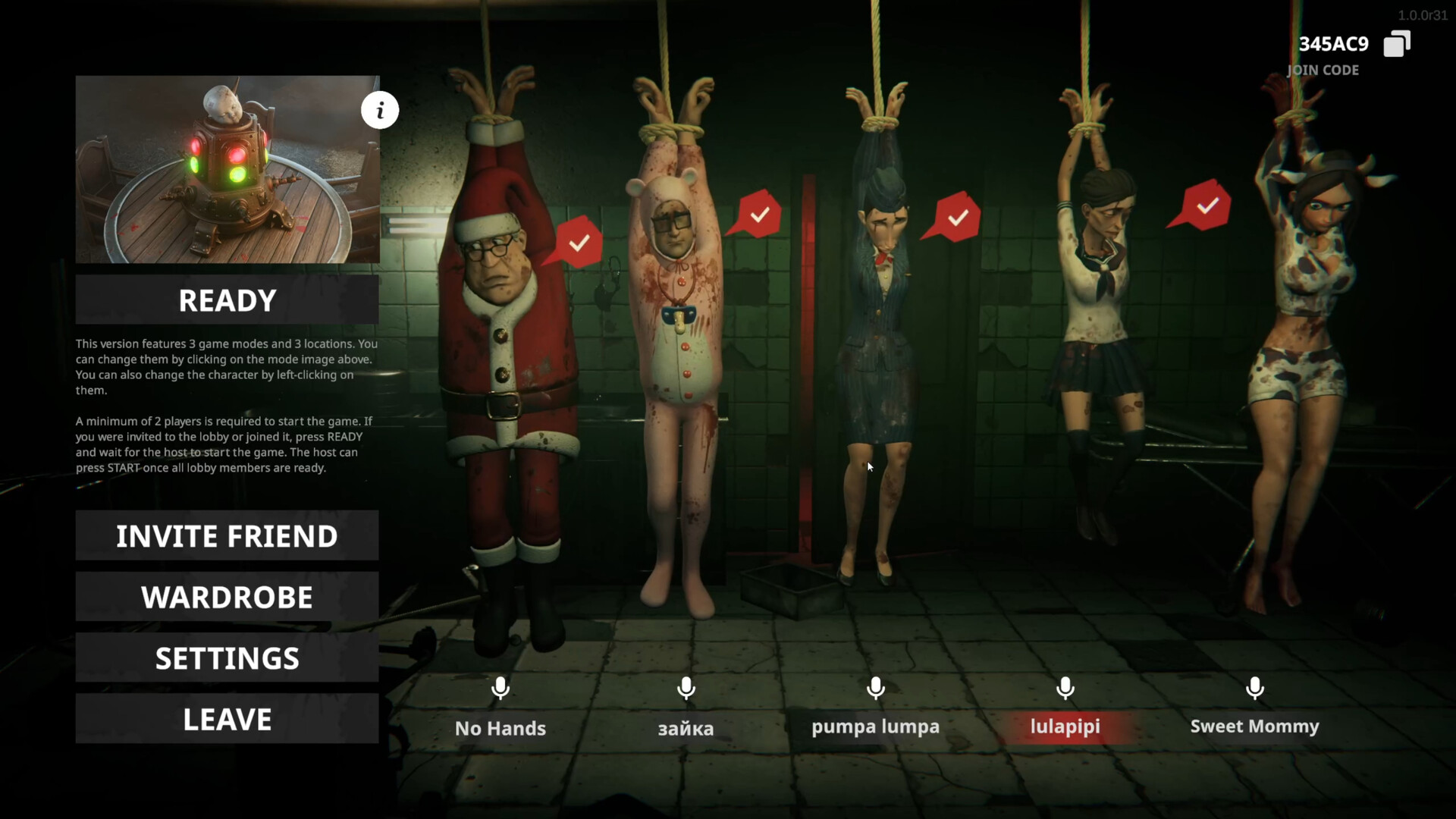
Multiplayer
Check HANDS OVER player counts, official READY and START instructions, lobby screenshots, finding teammates and the limits of demo multiplayer compatibility.
Read guideLobby disconnects
Friends returning to the main menu in HANDS OVER? Follow ArtDock’s request for lobby details, reproduction steps and player logs, without unverified fixes.
Read guide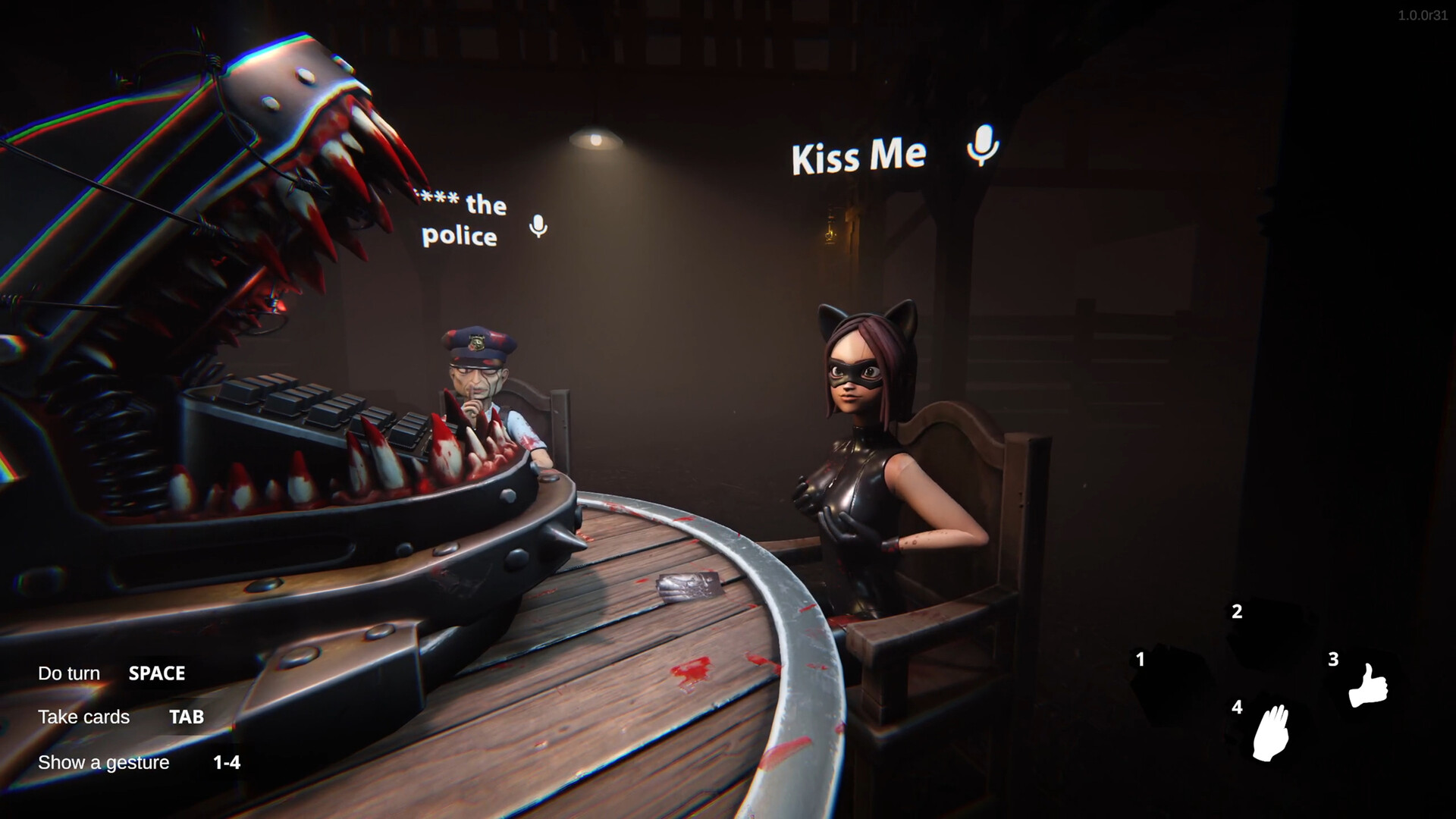
Voice chat
Read ArtDock’s response to HANDS OVER push-to-talk requests, what players report about open microphones, and which voice-chat controls remain unconfirmed.
Read guide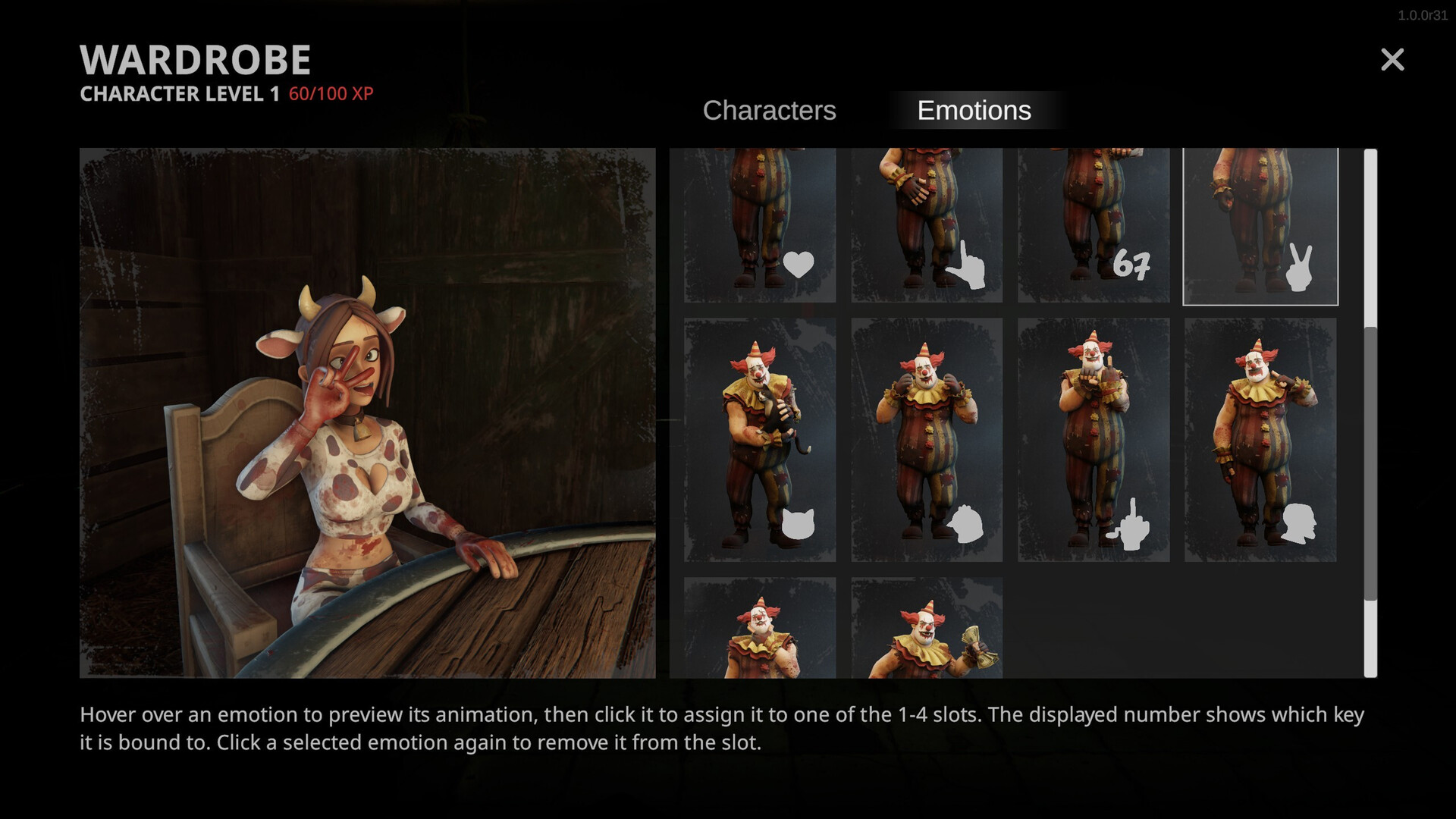
XP and cosmetics
See ArtDock’s XP unlock confirmation and official HANDS OVER wardrobe instructions for assigning emotes to slots 1–4, with clear limits on costs and rewards.
Read guide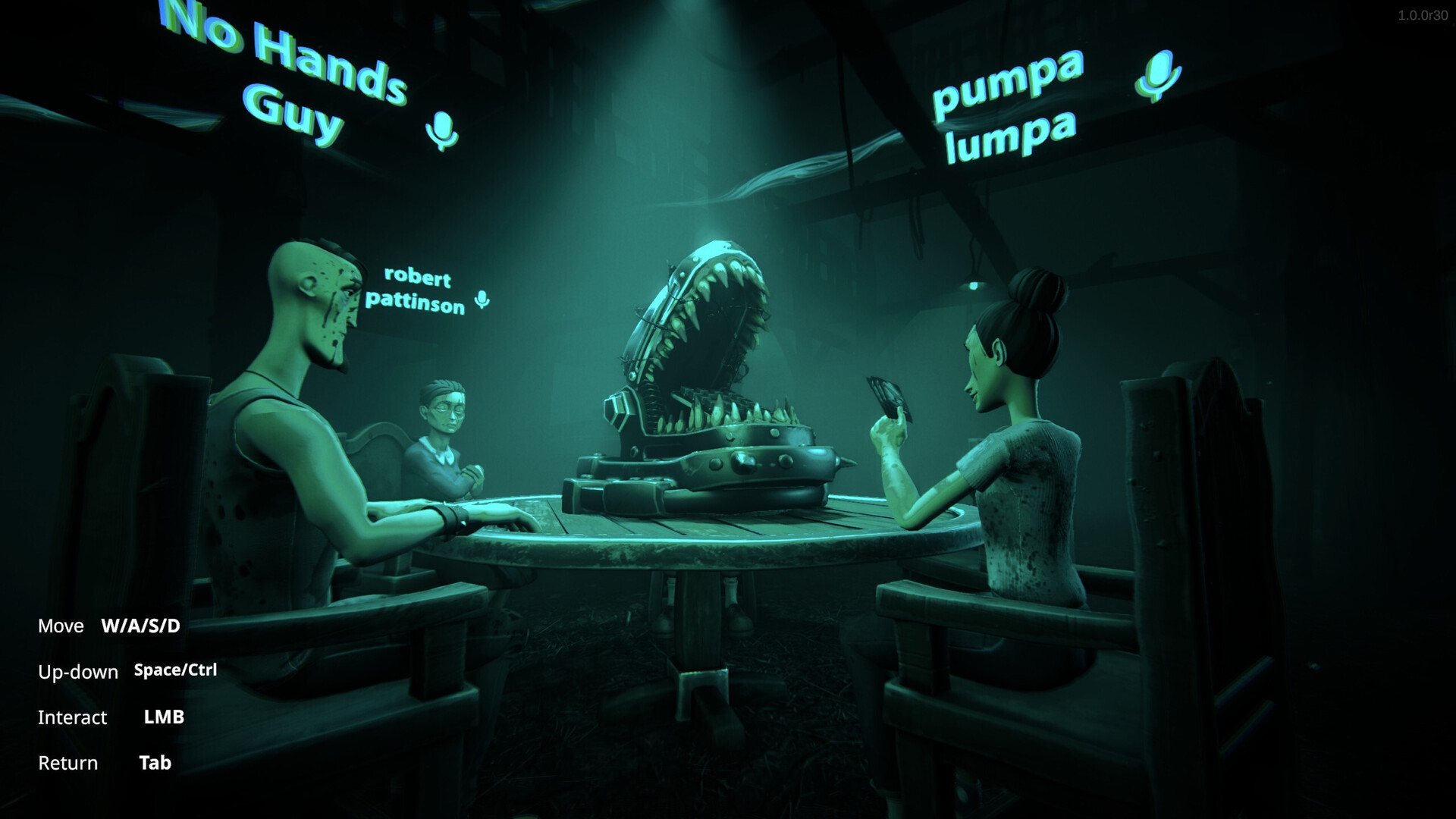
Controller and settings
Read the keyboard prompts shown in official HANDS OVER screenshots, compare controller and settings reports, and distinguish verified controls from unknowns.
Read guide
Platforms and requirements
Check HANDS OVER’s Windows minimum requirements from Steam, confirmed platform flags, and what remains unverified about console releases and Steam Deck play.
Read guide
Early Access and demo
HANDS OVER entered Early Access on November 13, 2026. Compare the release and demo, understand the roadmap, and separate confirmed features from future plans.
Read guide